Loading...

Try Numonic free
See the recipe hiding in your AI images.
Drop an image or video from ComfyUI, Midjourney or another AI tool. Numonic reads the prompt, seed, model and workflow straight from the file and opens it in your own library preview.
Drop an AI image or video here
PNG, JPEG, WebP, GIF, MP4, MOV
No account needed
No file handy? Try one of ours.
Samples
- Nothing is saved until you sign up
- Free to try
- No credit card
Why it matters
The best part of your work is the part you can’t see.
Every AI output was made by a recipe: the prompt, the seed, the model, the settings, sometimes a whole node graph. Most of the time that recipe sits invisibly inside the file, or is lost the moment the file is renamed, shared or moved.
Numonic brings it to the surface and keeps it attached, whichever tool you generate with.
How it works
From one file to a searchable library.
Step 1 · Drop
Drop a file
Start with a single image or video. No account, no install. We show you what it carries before you decide anything.
Step 2 · Bring the rest
Bring the rest
Connect an outputs folder or import an archive. Every file arrives with its recipe extracted automatically.
Step 3 · Find
Find anything again
Search by prompt, model, seed, or by what is in the picture. Open the exact recipe that made it and use it again.
One library, every tool
ComfyUI, Midjourney and the rest, side by side.
Numonic reads full ComfyUI workflow graphs, Midjourney prompts and parameters, and the generation data other AI tools leave in their files. Everything lands in one private library you can search the way you remember it.
Your library stays private until you choose to share.
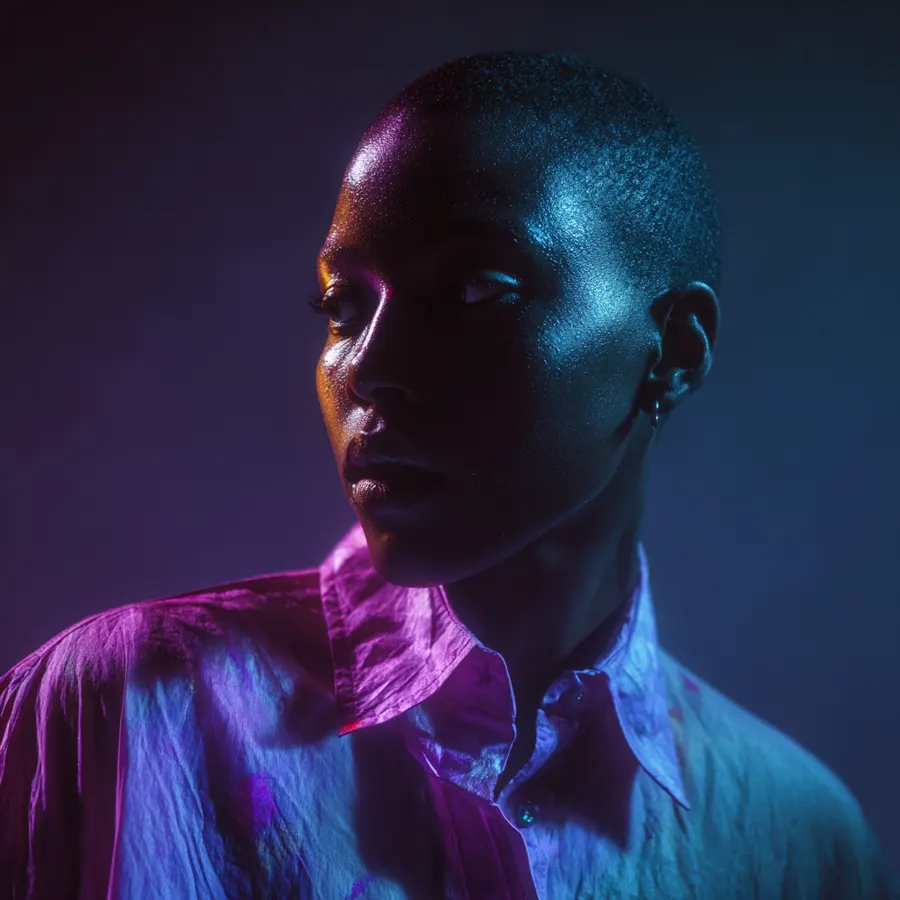
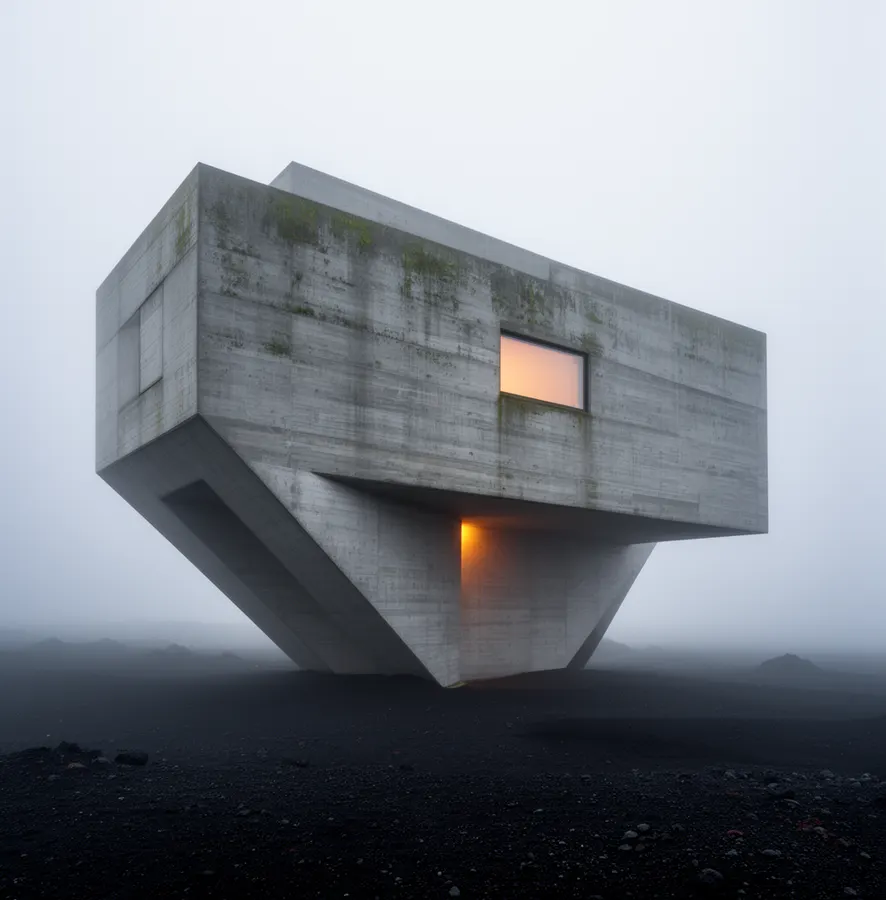
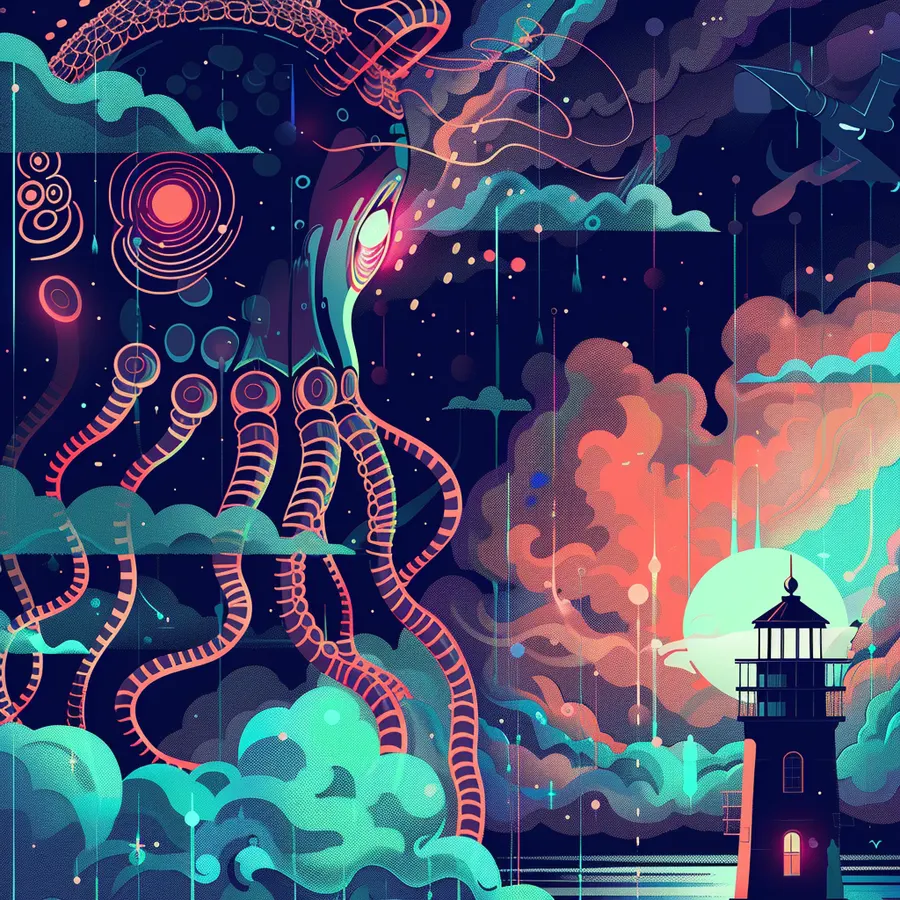
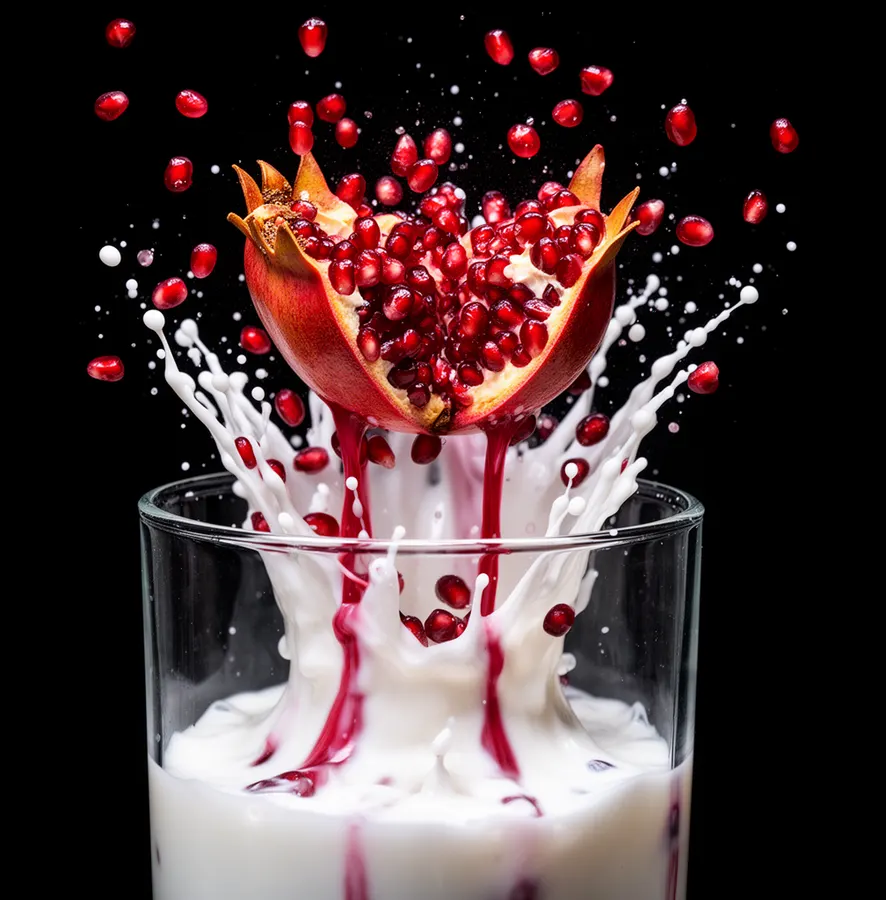
match
Questions
Questions, answered.
PNG, JPEG, WebP and GIF images, and MP4 or MOV video. The richest results come from original outputs: a PNG straight from ComfyUI, or an image downloaded from midjourney.com rather than copied from Discord.
No. Drop a file or run one of our samples and look around the preview first. Nothing is saved to Numonic until you create an account.
5 GB of storage, your full personal library with search, one connected folder, and public sharing. Paid plans add more storage, more connected folders, more AI credits, and team management.
Try it with your own file.
One drop shows you what Numonic keeps for every generation you make.
Drop an AI image or video here
PNG, JPEG, WebP, GIF, MP4, MOV
No account needed
No file handy? Try one of ours.
Samples
Free up to 5 GB · No credit card · Works with the tools you already use