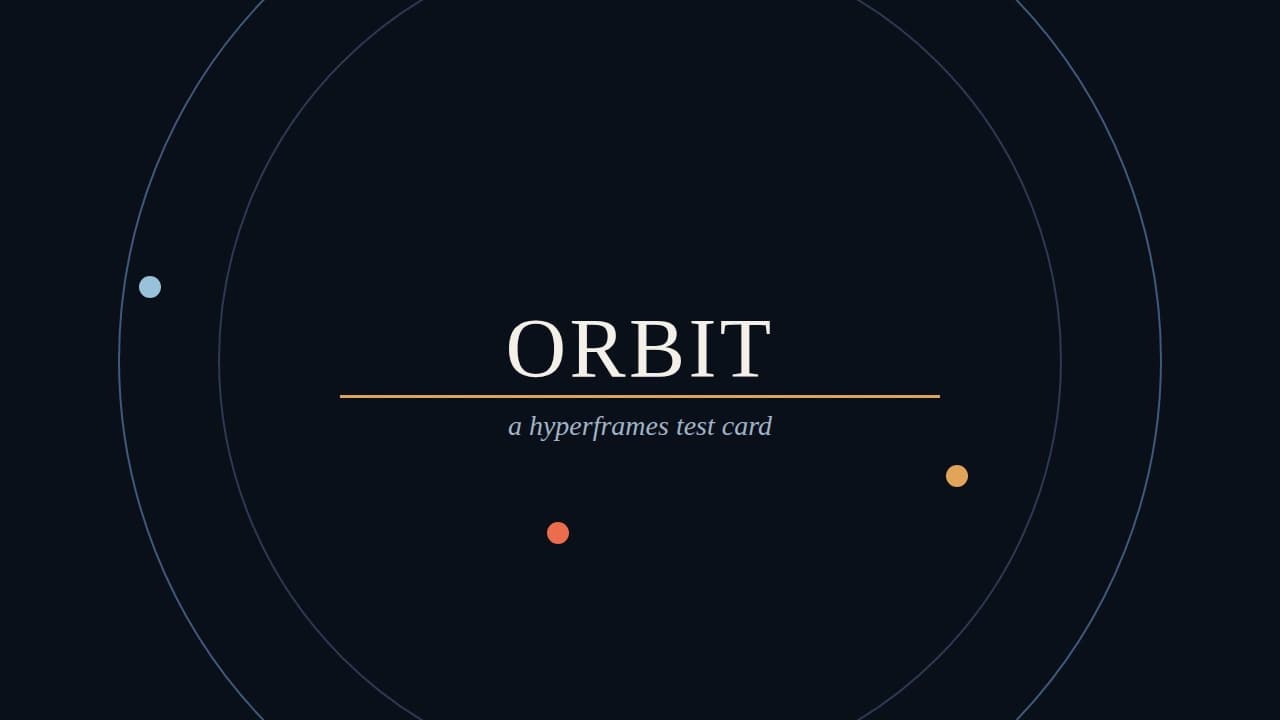
You can now share an AI generation as one link that holds the video, the reference images it was made from, the prompt and model, and the code that rendered it. Anyone can open it without an account. Here is how, using a short video we made for the purpose.
The request came from a community member on our Discord. They make short videos with Claude Opus 5.5 and HyperFrames, a way of writing an animation as an HTML page and rendering it to video frame by frame. Sharing the finished MP4 is easy. Sharing what someone needs to understand it, learn from it or build on it is not: the images the model was given, the exact prompt, the model, and the composition file itself. Those usually end up spread across a chat thread, a drive folder and a code repository, and the connection between them is lost.
They asked whether Numonic could already do this. Partly. A collection could hold all of it, but only images and videos could be published, and an unlisted collection had no page for each item. So we closed the gaps.
What a Visitor Sees
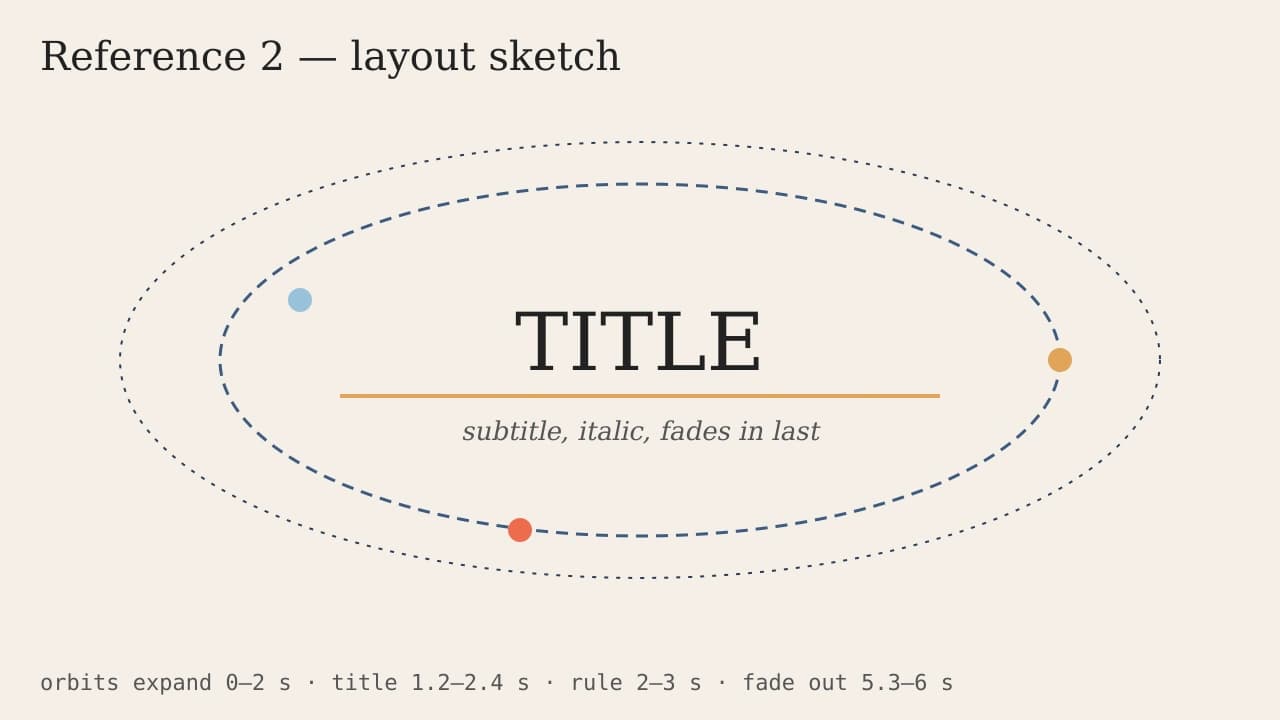
Our test piece is a six second title card called Orbit. We wrote the brief, gave the model two reference images (a palette and a layout sketch), and it wrote the HTML composition. We rendered that composition to video, then put everything in one collection and published it as unlisted at the Archive preset. The shared collection shows:
- The video, playing in the gallery. Clicking it opens its own page with the full prompt and the model.
- The reference images, each with its own page.
- The code and data (the HTML composition, the render script, a JSON file of settings and a .zip of the lot) as download tiles.
- A text card that explains how it was made.
Three Changes That Make It Work
Code and data files publish as downloads
Collections could always hold code, but publishing used to reject anything that was not an image or a video. Now archives, data files (JSON, CSV, YAML, text) and code (HTML, JavaScript, TypeScript, Python, notebooks) publish too. They are served as plain downloads, so a visitor’s browser saves the file and never opens or runs it on a Numonic page. That matters for HTML in particular: a shared composition is something to read and rerun, not something that should execute when a link is clicked.
Every item in an unlisted collection gets its own page
An unlisted collection is reachable only by its unguessable link. Until now its tiles could not open individual pages, because those pages were addressed by a readable name that only works for public collections. Each video and image now opens a page at an equally unguessable address, and those pages ask search engines not to index them.
The prompt you supply shows up on the page
Numonic reads the prompt, model and settings from a file wherever the file records them, as ComfyUI and Midjourney outputs do. A video rendered from code records none of that. So when you upload through MCP and include the prompt and model, the Archive preset now shows them, labelled “As stated by the uploader” so a visitor knows where they came from. When a file does carry its own record, that record always wins.
- 1UploadVideo, references and code, with the prompt
- 2CollectEverything in one collection
- 3PublishUnlisted + Archive
- 4SendOne link, no login
How to Share Your Own
The steps below use our MCP server, which is how an AI assistant such as Claude adds files to your library. The same collection and publish controls are in the app.
- Upload each file with StoreAsset. Include the prompt and the model in
prompt_metadatafor the video. Upload the reference images and the code or a .zip of the project alongside it. - Gather them in one collection with
AddToCollection, and add a text card if you want to explain the process in your own words. - Publish with PublishCollection: visibility
unlisted(orpublic) and privacy presetarchive. - Send the link. No account is needed to open it.
Choose the preset deliberately. Archive shows the full prompt. If you want to share the work and the code but keep the prompt text to yourself, publish at Client instead: it shows the model and settings without the raw prompt. Code and data files are published exactly as you uploaded them at every preset, so remove anything you do not want shared first. The sharing docs cover every option.
Key Takeaways
- One collection can now carry a generation and everything behind it: references, prompt, model and code.
- Code and data files publish as downloads that never run in the visitor’s browser.
- Each video and image in an unlisted collection opens its own unindexed page.
- A prompt you supply over MCP appears at the Archive preset, labelled as yours; anything read from the file takes precedence.