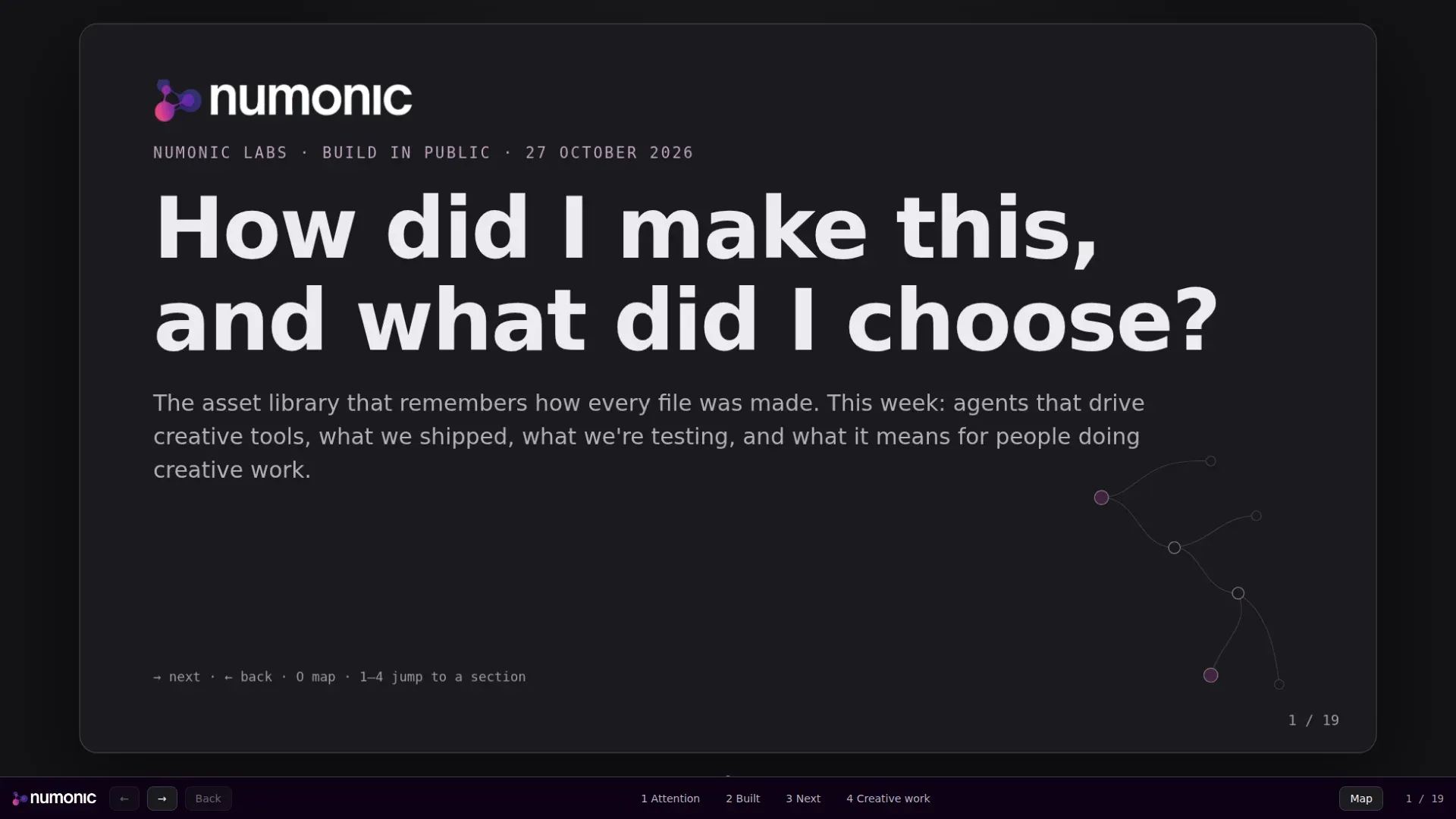
We started filming our daily team call this week. It is meant to feel like the most interesting version of a normal call, not a webinar, and I moderate it. I wanted something on screen while other people talked, and my own points one click away when it was my turn.
So I gave the job to an AI agent, Claude Code. It had already drafted my talking points for the call. The new ask was to turn them into a presentation that would show off Numonic Labs when I shared my screen. This post is how it went, including what it got wrong, and how you can get the deck to make your own.
What Did I Ask For?
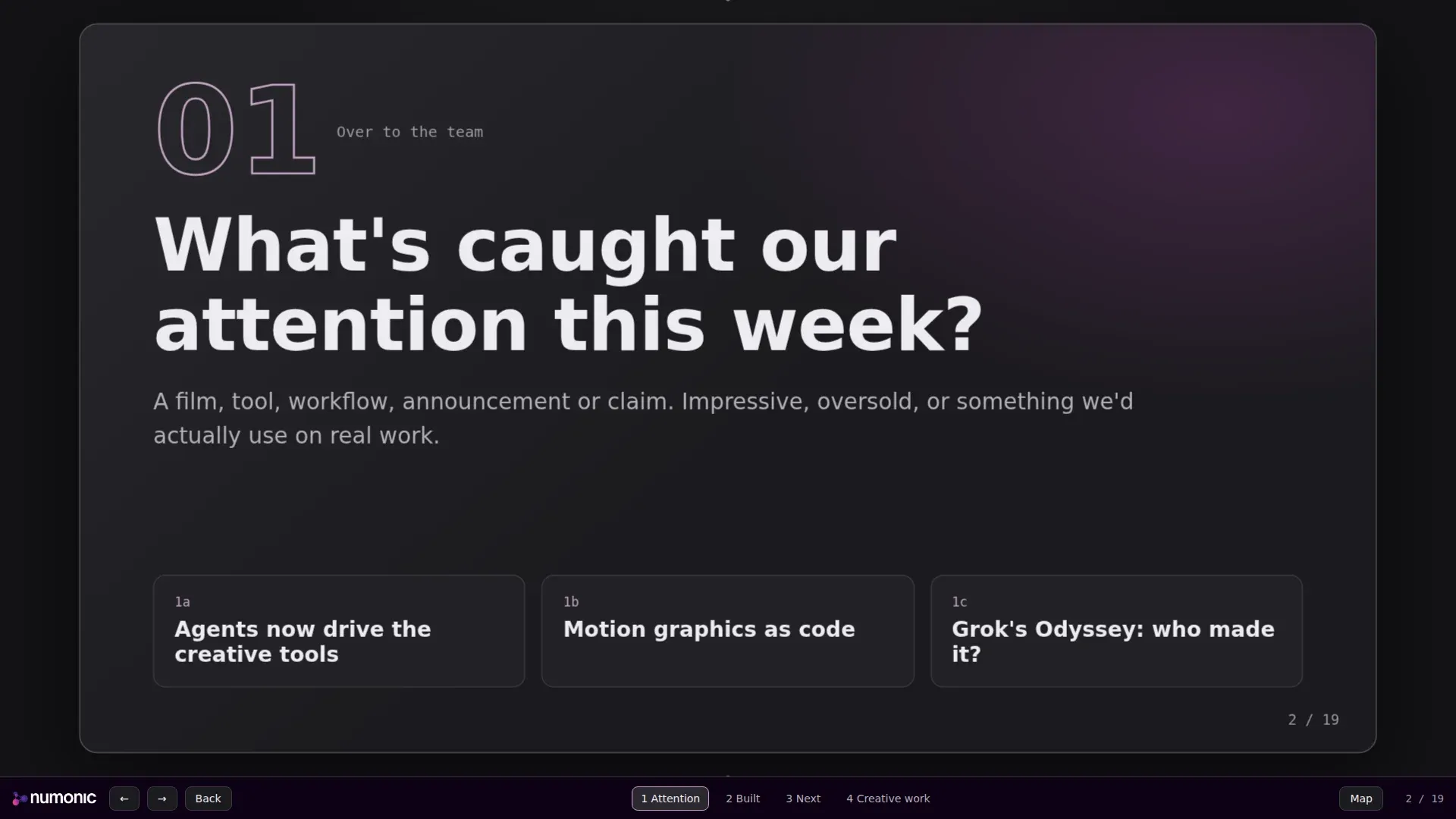
The brief fitted in a few lines. The main sections are the four questions we put to the team, and they go up on screen while someone else is talking:
- What has caught our attention this week?
- What have we built for the Numonic platform?
- What are we working on next, and why does it matter?
- What does this change for people doing creative work?
Under each question sit my own points, and I click through to them. Every link opens in a new tab, so I can right-click one mid-sentence and come back. And it should look like us, not like a slide template.
Why Is It One HTML File Instead of Slides?
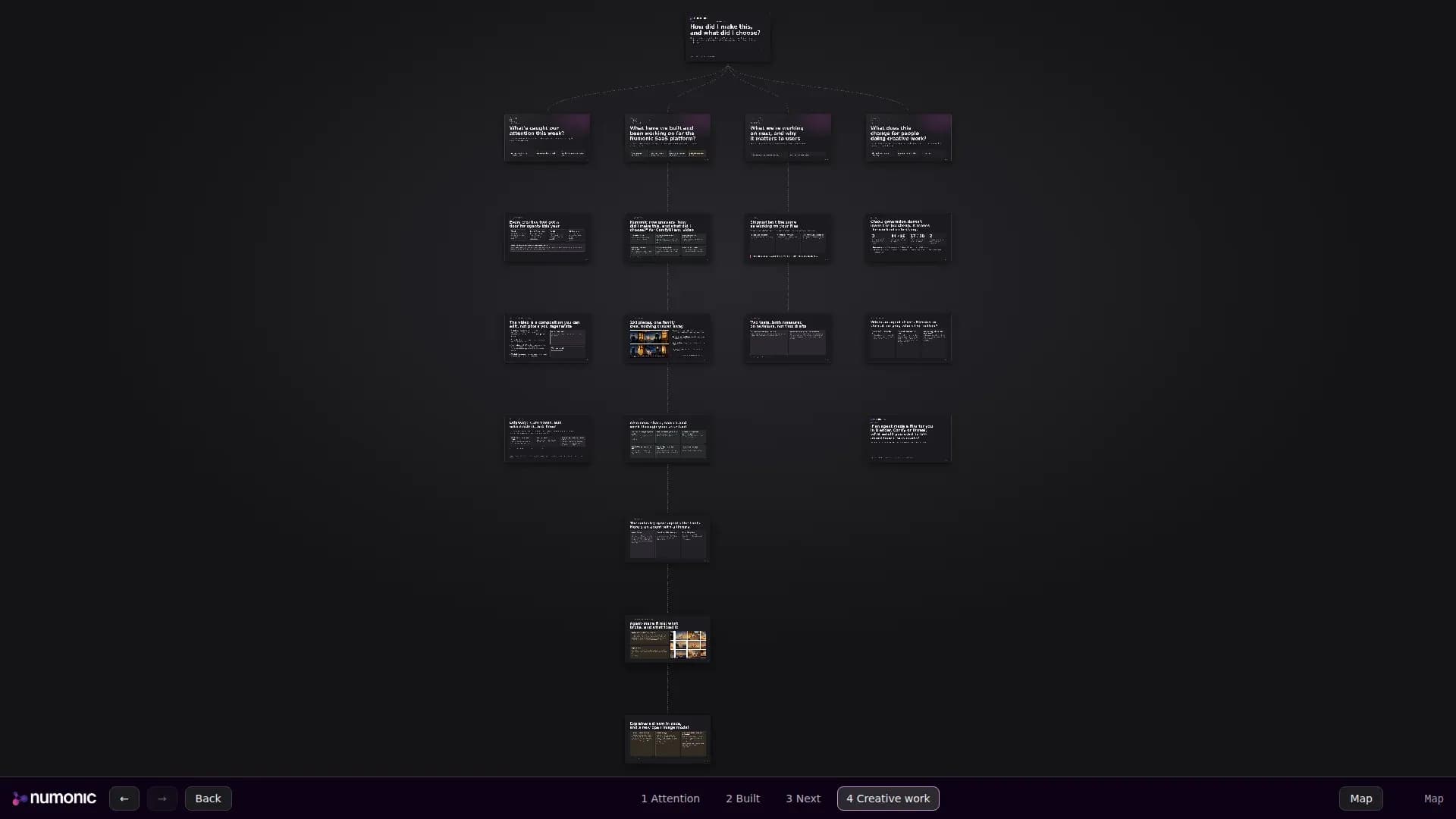
The agent did not start from a slide tool. It started from a pan-and-zoom deck we had built earlier for a proposal: one large stage, with the camera gliding from slide to slide. Each slide is a section of a web page, placed by two numbers. A third attribute hangs a slide under a section card, and the connecting lines are drawn from that, never by hand.
Where the deck runs shaped the rest. It lives on our own site, behind a page only our admins can open, under a strict content security policy. That rules out third-party scripts, web fonts and inline event handlers. The agent read the policy before writing anything, so the deck is one HTML file and one short script, with nothing to install and nothing to build.
It wrote the slides from the talking points it had already drafted, and labelled every product slide “In Numonic now” and every experiment “Numonic Labs R&D, not in the product.” A teammate had asked us to keep that line clear on camera, and a label on the slide keeps it clear even when the speaker forgets.
How Did the Agent Check Its Own Work?
Two ways, and they caught different things. First, tests: the page returns “not found” to anyone who is not an admin, every external link opens in a new tab, and every script carries the security token the policy requires. Those passed the first time.
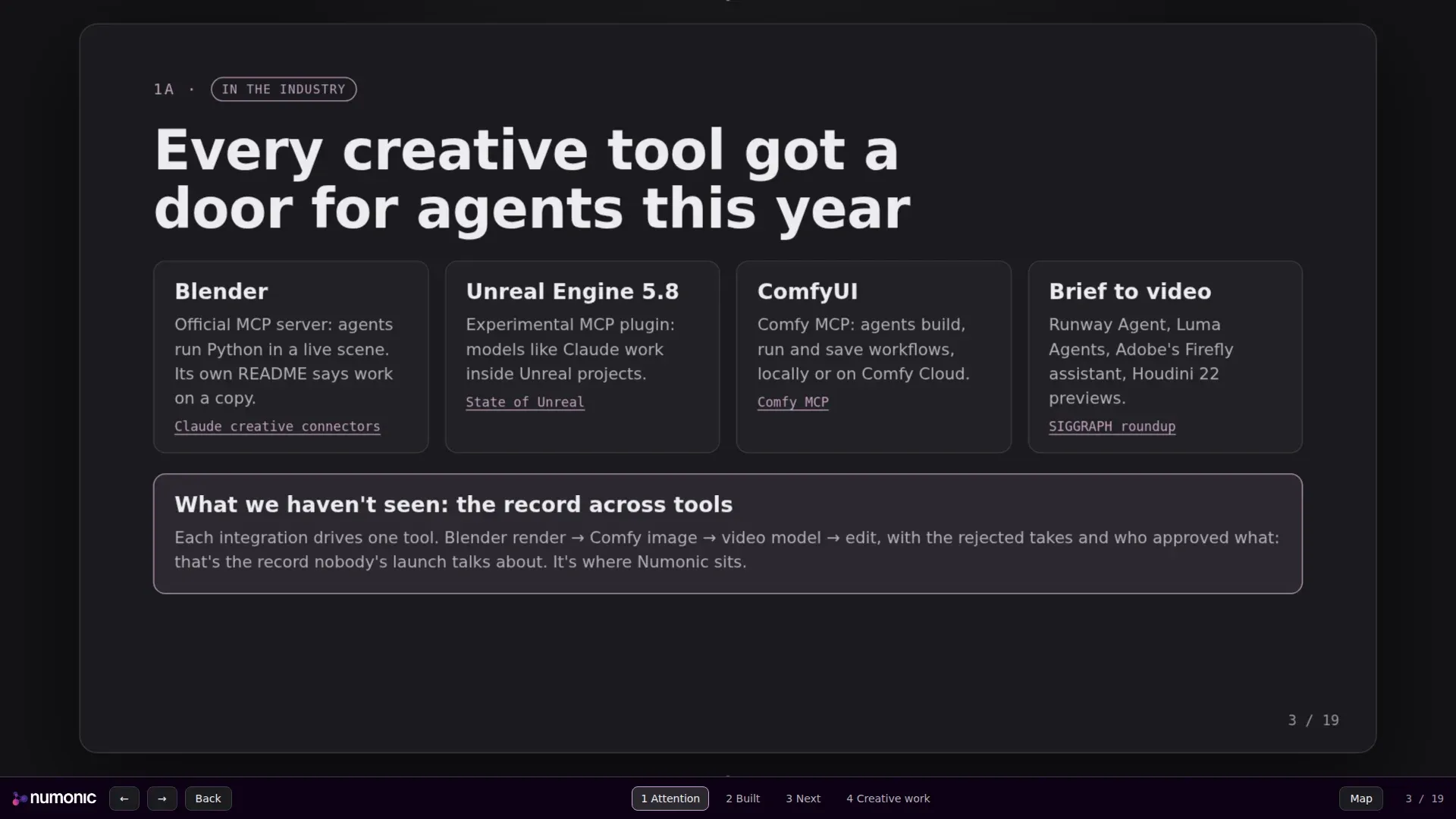
Second, it rendered all 19 slides in a headless browser with Playwright and looked at the screenshots. That found three defects no test would have caught.
What looking at the renders caught
| Defect | What it looked like | Fix |
|---|---|---|
| Logo | Dark purple wordmark on a dark slide, almost invisible | Swapped to the white-text file |
| Title graphic | A decorative lineage graph ran through the headline | Moved it into the lower right corner |
| Big numbers | "84 / 96" broke onto two lines | Kept each number on one line |
The logo is the instructive one. Our two logo folders name their files in opposite ways: in one, “light” means a light logo, and in the other it means a logo for a light background. The agent picked the file whose name matched the slide’s dark background, and the name pointed the wrong way. It only saw the mistake because it opened the picture. A check that the image loaded would have passed.
What Stayed Off the Screen?
The talking points had a list headed “things to steer clear of on camera.” None of it went into the deck. The agent made that call itself, on a simple rule: the screen is being recorded, so anything on a slide is public. The same went for our internal status markers, the ones that say whether a feature has been confirmed working in production. Those belong in my notes, not on a slide.
What a person decided is worth stating plainly. I chose the four questions and their order, what stays off camera, when to deploy, and how to share the kit. The agent chose the layout, the motion, the slide wording and the tests, and it fixed what it found in its own renders. Then I reviewed it before it went live.
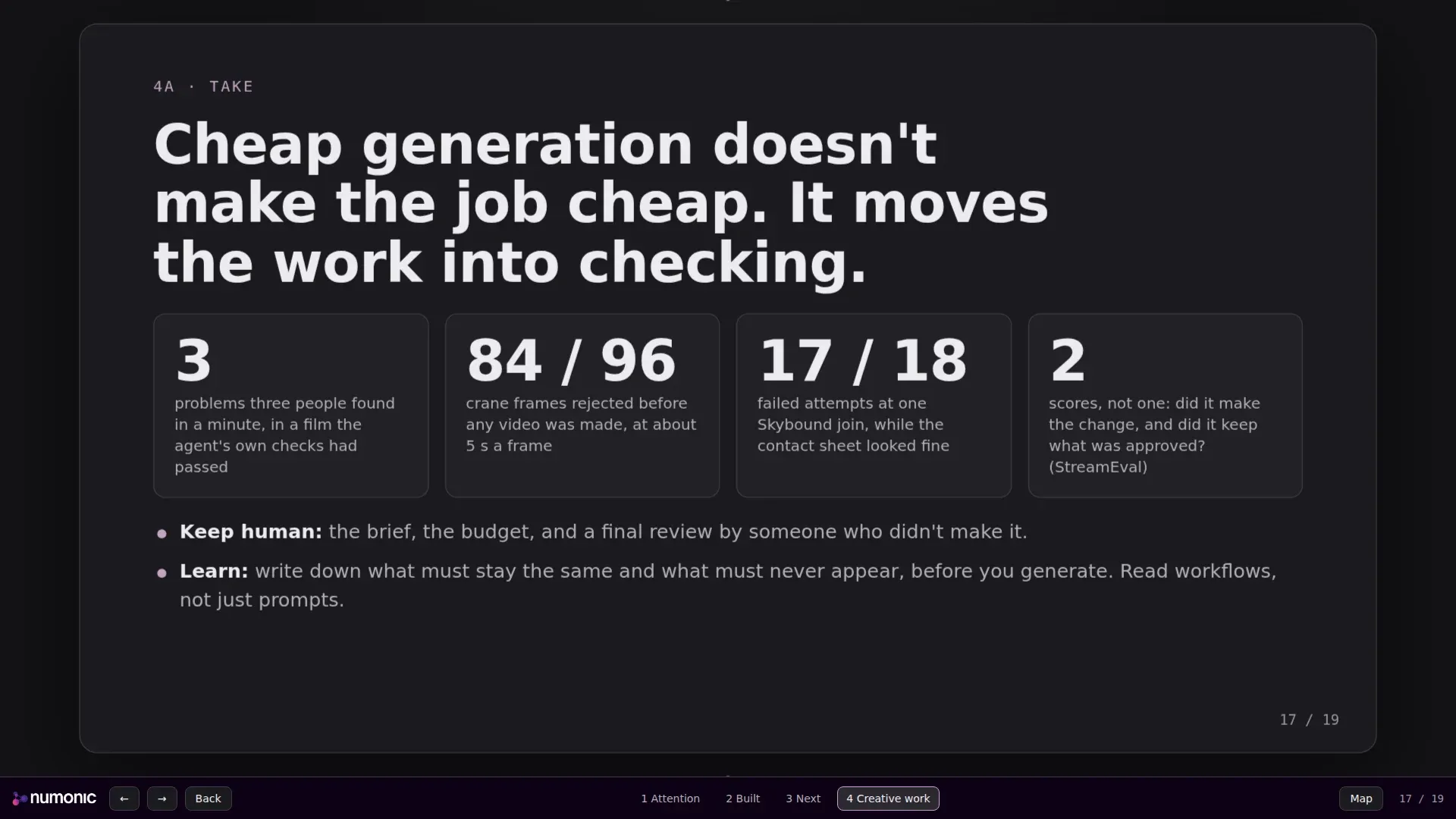
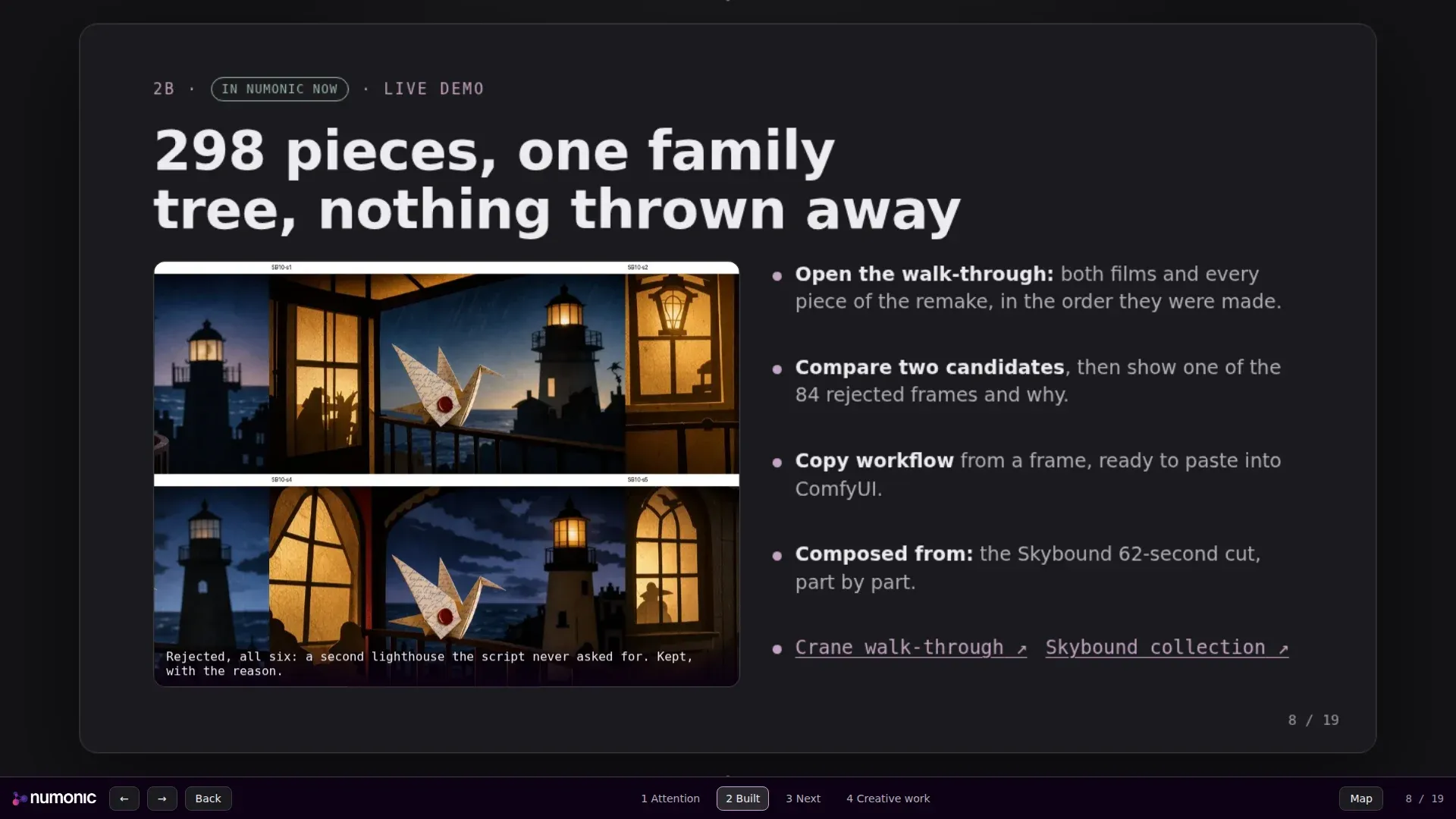
That slide’s argument applies to the deck too. Writing 19 slides was the cheap part. The value was in the checking: the tests, the renders, and the human call on what a public recording may show.
Where Does the Deck Live Now?
In Numonic, like everything else we make. One collection holds the deck kit: the zipped deck, a README on making your own, a walk-through recording of all 19 slides, stills, and a short record of how it was made. The talking points sit in a separate collection that is never published, because they include the off-camera list.
From Talking Points to a Shared Kit
Numonic publishes code and data files as downloads, never as pages it runs, so the deck travels as a zip you open on your own machine. Sharing a piece with the code behind it works the same way for anything else we make.
How Do I Get the Kit?
Ask in our Discord. Join the Numonic Discord and ask for the moderator deck kit, and we reply with a guest pass: a private link to the kit’s collection that works without an account. The collection itself is private, so the pass is the only way in, and we can revoke it. That lets us see who is using the kit and help if something breaks.
Open index.html in any browser. Arrow keys move through the slides, the number keys jump to a section card, O shows the map, and B goes back. To make your own, edit the sections in the file: each slide is one section with two position numbers. Change the colours, swap in your logo, and it is yours.
Key Takeaways
- Give the agent the sections, the talking points and the constraints of where it will run, and let it choose the build.
- A presentation built as one HTML file can pan, zoom and open links without a slides app or a build step.
- Tests check behaviour. Looking at the renders catches what people see, like a logo that disappears against its background.
- On a recorded screen, anything on a slide is public. Keep the off-camera list in the notes.
- Label product work and experiments on the slide itself, so the line holds even when the speaker forgets it.
- File the deck, the recording and the notes together, and publish only what is meant to be seen.